
A customer portal: preventing status requests instead of answering them faster
How clients see the state of their own requests – and where the line runs between useful transparency and a window into your internal work.
The short version
- Most status requests don't come from impatience but from invisibility – the client has no other way to find out whether anything is happening.
- A portal answers three questions: did it arrive, is someone on it, and what happens next. That's usually all it takes.
- The real work is drawing the line: internal estimates, discussions and priorities do not belong in the portal.
- A portal with unmaintained statuses is worse than none – visible standstill produces exactly the calls it was meant to prevent.
„I just wanted to check whether you'd seen the thing about the form.“ That sentence costs five minutes on the phone, two minutes of searching, and then ten more to get back into whatever you were pulled out of. Most teams hear it several times a week.
The obvious response is to answer faster – canned replies, fixed response windows, a progress note after two days. That helps, but it misses the point. The client isn't calling because they're impatient. They're calling because there's no way to find out for themselves.
Three questions, rarely more
Listen to those calls and almost always the same three questions sit underneath, none of them technical:
- Did my report actually arrive, or did the email vanish?
- Is anyone working on it, or has it sat untouched since Tuesday?
- What happens next, and do I need to do anything?
What's notable is what's missing: hardly anyone asks for a completion date as long as the first three are answered. The demand for a date usually grows out of the mistrust that invisibility creates.
What a portal actually does
A portal isn't a second tool. It's a window onto what already exists: this one client's requests, with status and history. The client signs in – or gets access without an account of their own – and sees their items, and nothing else.
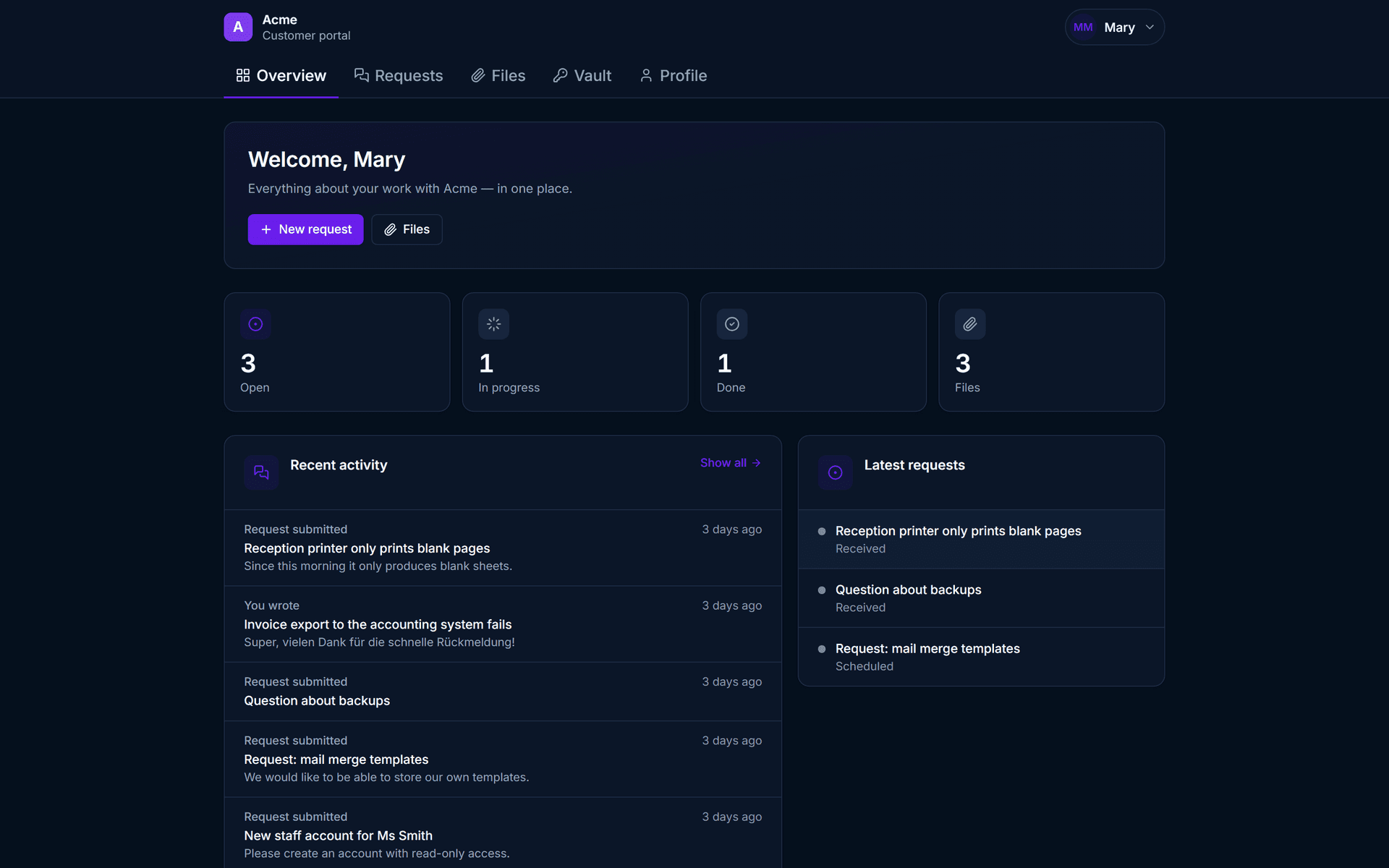
That answers the three questions by itself. „It arrived“ is the item sitting there. „Something is happening“ is the status that moved from new to in progress. „What's next“ is the latest entry in the history. No call, no interruption, and faster for the client too.
The line is the actual content
The hard part isn't the technology, it's deciding what becomes visible. A portal that shows too much does more damage than one that doesn't exist.
What belongs in
The title of the request in plain language, the status, the date it arrived, and the replies you deliberately wrote. That's the level at which the client can and wants to take part.
What stays out
Internal estimates, priority relative to other clients, technical discussion, and any wording that was meant for colleagues. „Client is misreading this field, we should rename it“ is a perfectly good internal note and a small disaster in a portal.
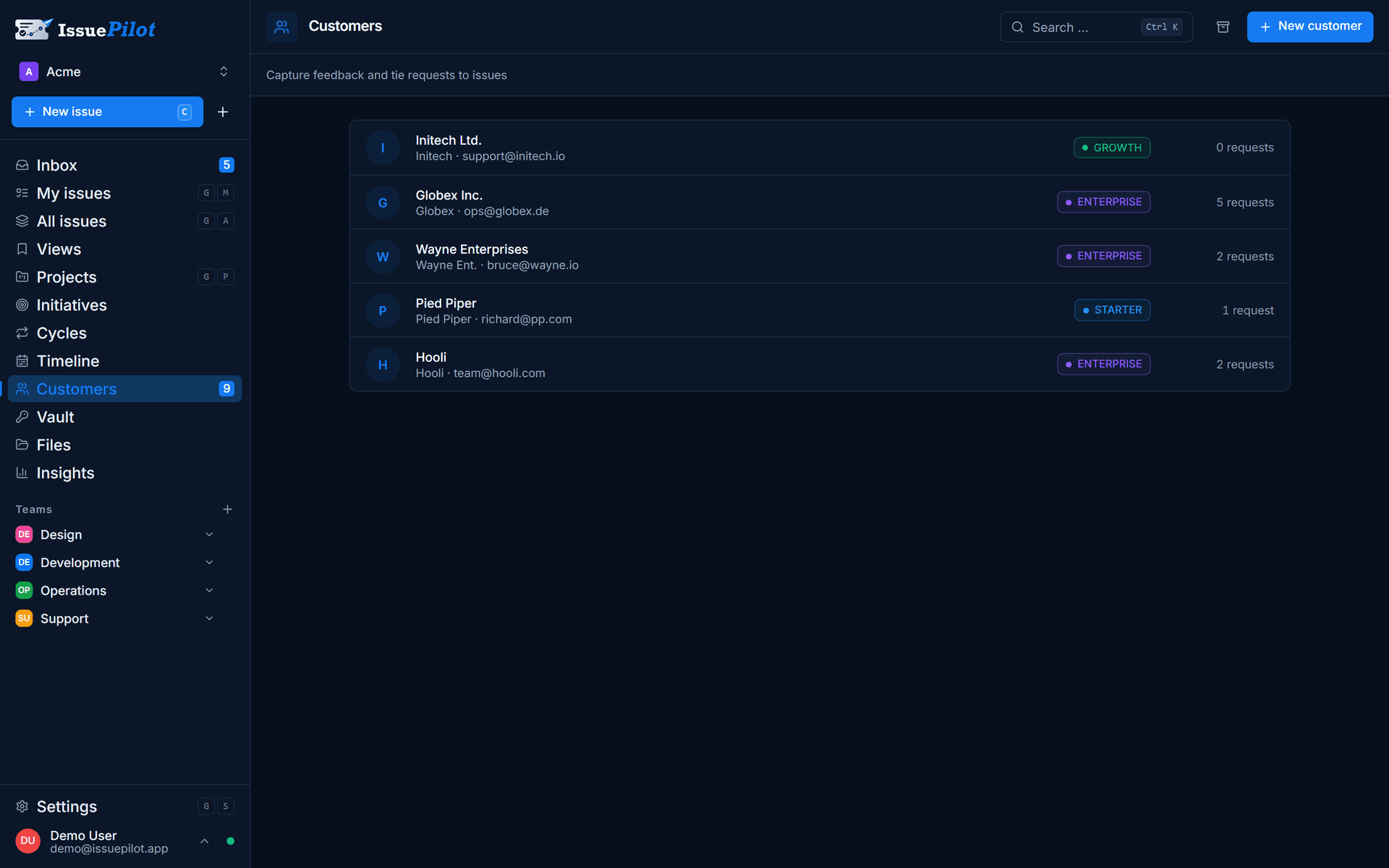
This is why a clean split between client request and internal task is the precondition rather than a nicety. The request belongs to the client and is visible; the task belongs to the team and stays that way. The two are linked, so the route back to the client stays open without your internal work leaking outward.
Where the reports come from
A portal only works if reports actually land in it. Three routes cover most teams: the widget on the client's own website, plain email to a shared address, and the phone – there's a separate article on capturing phone requests in a structured way.
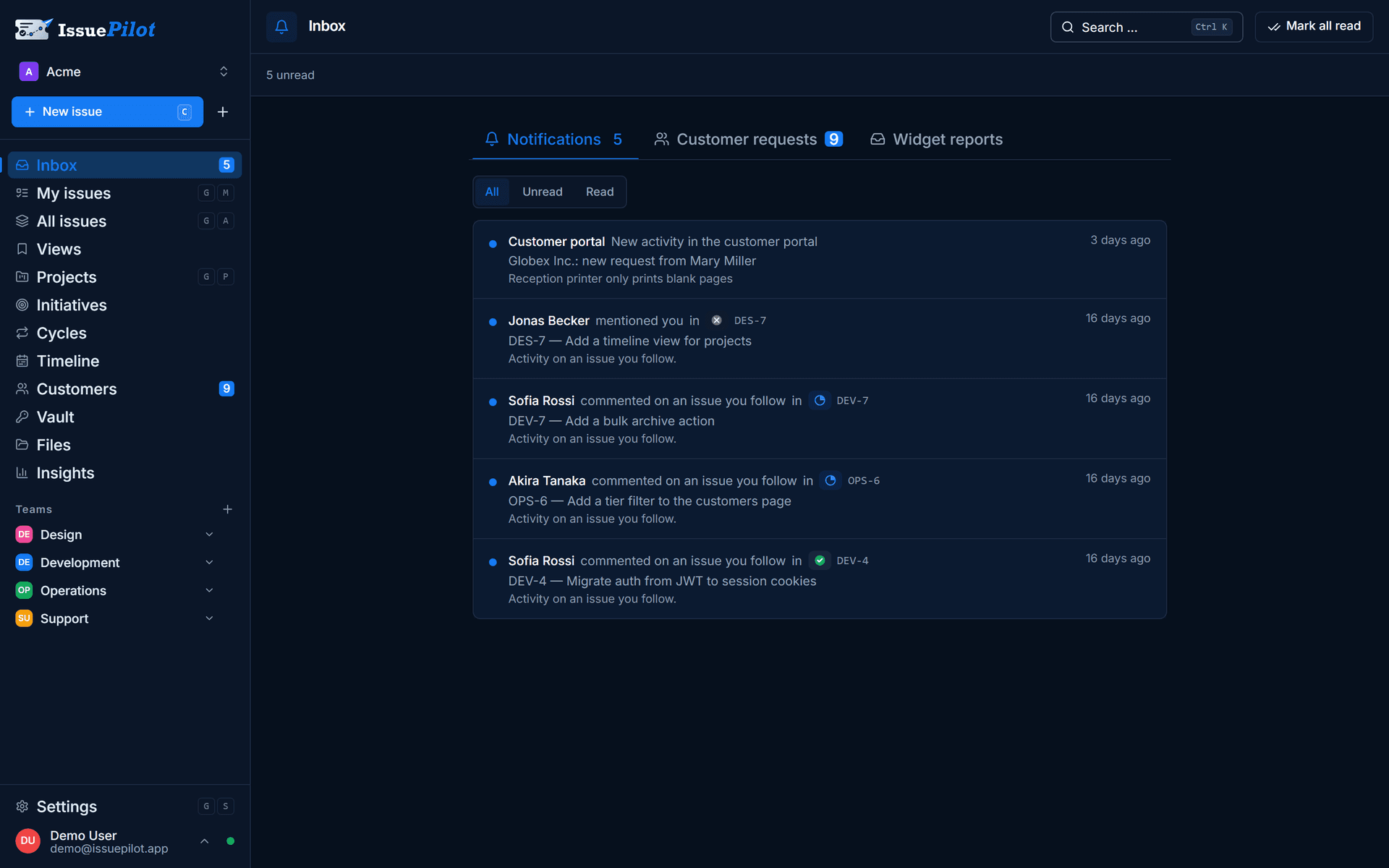
When a report comes through the live issue widget, browser, operating system and console errors are already attached. That doesn't just save the follow-up work – it makes the portal entry more meaningful, because the client can see their report arrived with context rather than as three words.
When a portal does harm
A portal is a promise: what's shown here is true. If statuses aren't maintained, it flips. A request that has read „new“ for eleven days is visible proof that nobody is looking – and produces exactly the call the portal was supposed to prevent, only with more irritation attached.
Two conditions should therefore hold before you let clients in: the inbox gets sorted daily, and every item moves beyond „new“ by the next working day at the latest. If you can't guarantee those two, an honest acknowledgement email is the better solution for now.
One more thing: a portal doesn't replace a phone call when the news is bad. If a deadline won't hold, that gets said – not quietly filed as a status change.
Common mistakes
- Internal notes in the visible history: wording meant for colleagues almost always reads differently to a client.
- Statuses nobody understands: triage, backlog and refinement are jargon. Four understandable states beat twelve precise ones.
- A portal without upkeep: visible standstill is more harmful than no visibility at all.
- Switching every client on at once: start with two or three sympathetic clients and learn from what they ask.
- Promising dates in the portal: a date in the system reads as a commitment to the client, even if internally it was only an estimate.
In short
Status requests are a measurement, not a nuisance. When they pile up, the client is missing a route to the answer – and each one costs you more than the reply itself, because it pulls someone out of their work.
A portal fixes that when two things hold: the line between visible request and internal task is drawn, and statuses are maintained. Customers and customer requests are part of the Pro plan; the inbox, triage and tasks cover the flow on the Free plan already. What that means for support teams is on the support & QA page.
For support & QA
Take a lookYannick Schneider
Founder of IssuePilot
Yannick builds websites and software for clients at Schneider & Liska Webservice. IssuePilot grew out of that everyday work – out of wanting to stop hunting for feedback, bugs and tasks across five different channels.
More about us