
Apps & extensions
IssuePilot where you already work.
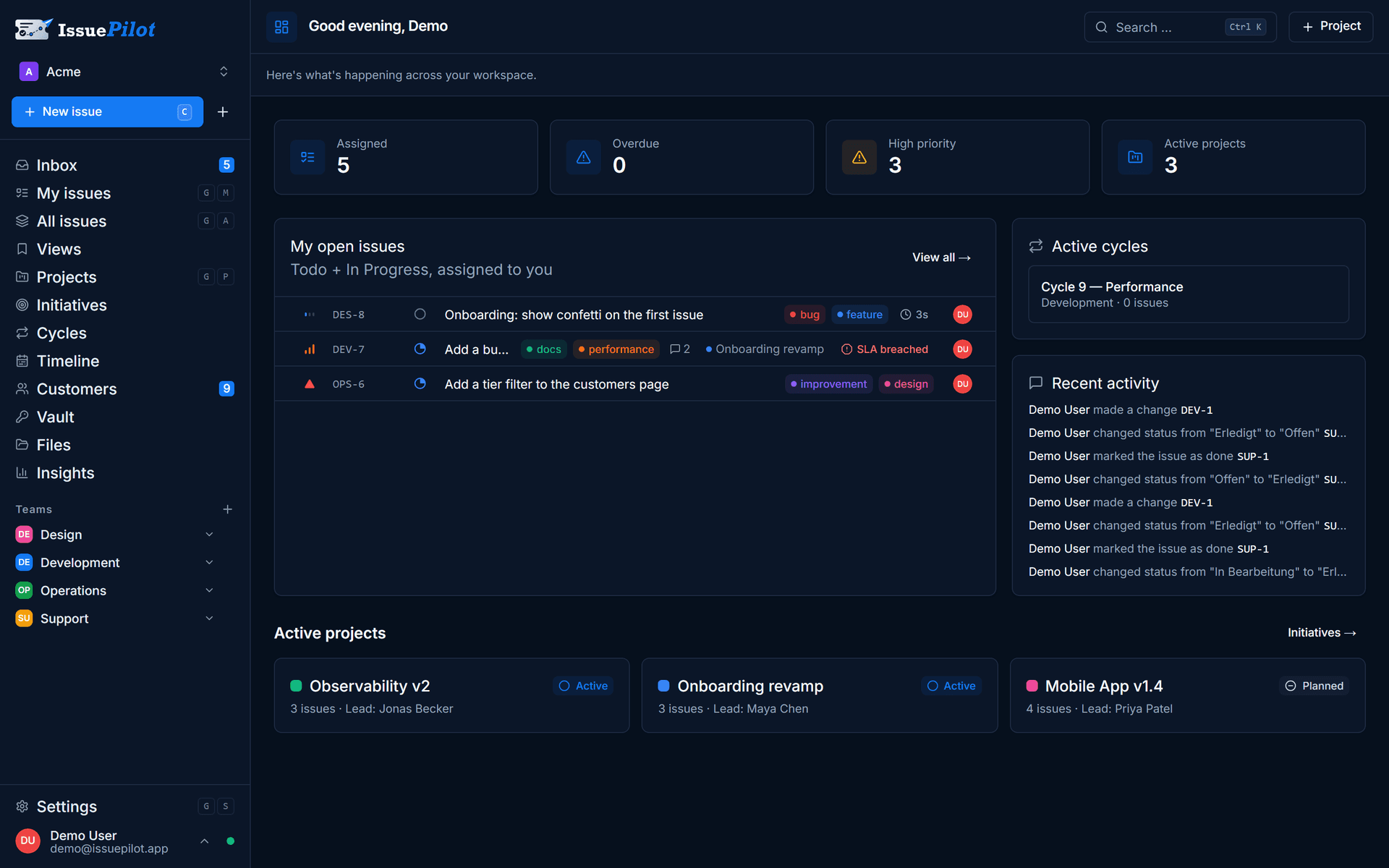
In the browser, as a window on your Windows desktop, on your phone and as a button in your inbox. Same data everywhere, same state everywhere.
Three fields · up and running in 15 minutes · then the free plan continues automatically
- Servers in Germany
- GDPR-compliant
- Built in Germany
- Servers in Germany
- GDPR-compliant
- Built in Germany
Is there an app for IssuePilot?
Yes — in four ways. The browser runs the full feature set with no installation. For Windows there is a native app with its own window, a tray icon and system notifications. On your phone you add IssuePilot to the home screen as a PWA. And in your inbox, an extension turns the open message into a task.
What there isn’t, we’ll say right away: no dedicated app in the App Store or Play Store, and no desktop version for macOS yet.
Four ways in
One account, four entrances.
All of them work on the same workspace — change something in one and it's there in the others straight away.
In the browser
The full feature set, no installation. Chrome, Edge, Firefox or Safari — there is nothing to set up but an account.
Every platform
As a Windows app
Its own window, a tray icon, the number of unread items on the taskbar icon and notifications from the system rather than from a browser tab.
Windows
On your phone
Installable as a PWA from the home screen — with web push, so assignments reach you on the move.
Android & iOS
In your inbox
Extensions for Gmail, Outlook and Thunderbird turn the message you have open into a task with one click.
Gmail · Outlook · Thunderbird
Desktop for Windows
A window of its own that doesn't drown in tabs.
The desktop app shows the same cockpit in its own window — with a tray icon and quick actions, autostart if you want it, notifications from the operating system and the unread count right on the taskbar icon. Closing the window ends nothing: notifications keep running, and you quit from the tray.
- System notifications, unread count on the icon
- Tray with quick actions, autostart can be switched off
- Updates itself, packages are signed
- Outbound links open in your default browser
Download IssuePilot for Windows
Version 0.2.0 · installer (.exe) · Windows 10 and 11
Honestly: this is an early release. It does what’s described above and it’s in use — but it’s younger than the rest of the product. There is no macOS version yet, which is why there’s no button for one here.
Inbox & calendar
The button sits in the email, the due date in your calendar.
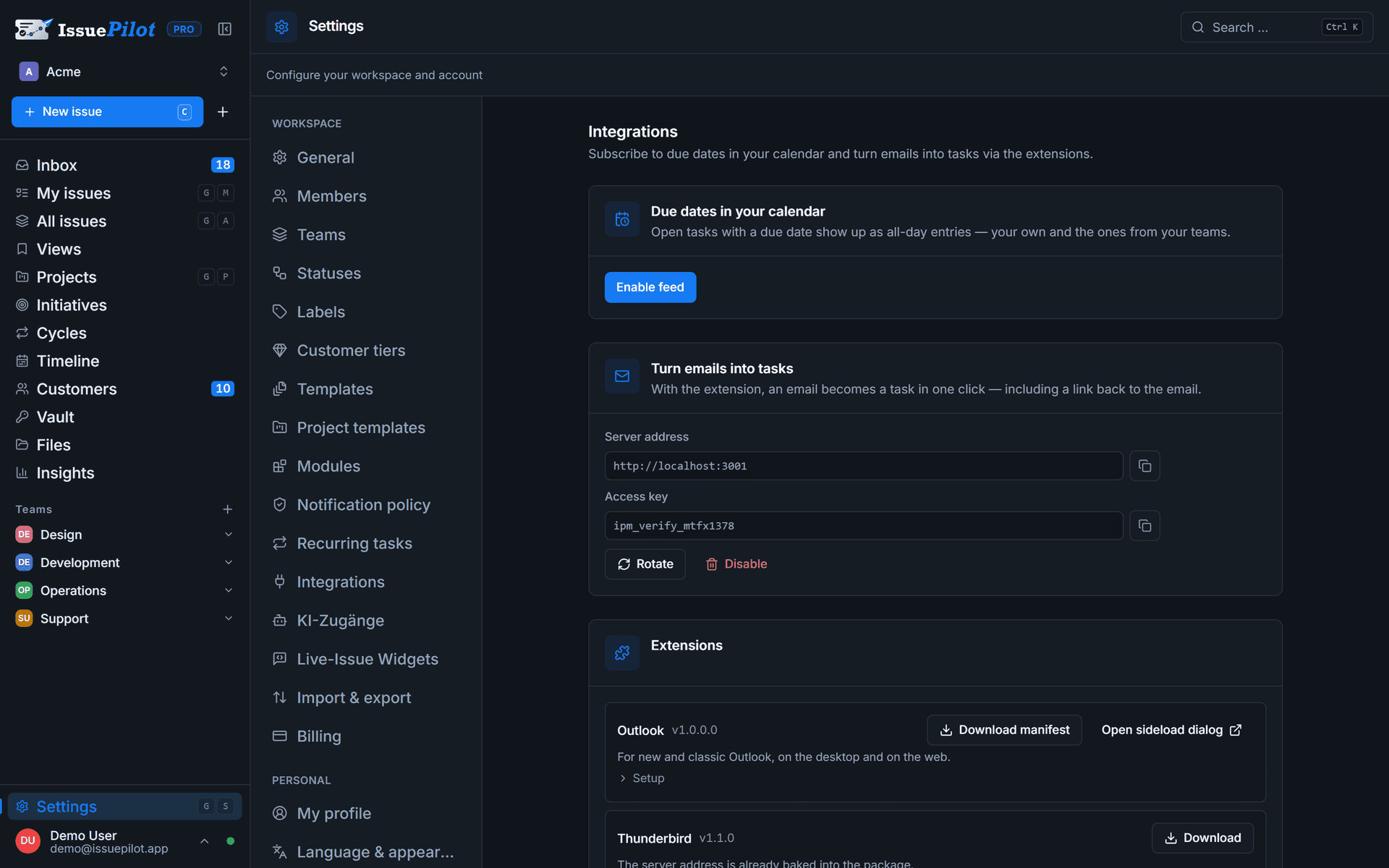
Extensions for Gmail (Chrome, Edge, Brave and Firefox), Outlook and Thunderbird turn the open message into a task — link back included. And a calendar feed brings your due dates into Google Calendar, Outlook or Thunderbird without you entering them a second time.
- Pick the target: your own board or a team task
- The jump back to the message stays on the task
- Calendar subscription by URL, revocable at any time
- Downloads under Settings → Personal → My integrations
One more entrance
And one that needs no interface at all.
Claude and ChatGPT can be connected to your workspace over the Model Context Protocol or a REST API — with permissions you grant individually and a log of every call. The password vault stays out of it by design.
To the AI integration → · Personal workspace · Open the cockpit
FAQ
Questions about apps and extensions.
Yes, for Windows. The app brings its own window, a tray icon with quick actions, system notifications and the unread count on the taskbar icon; it updates itself. It is an early release (0.2.0) — there is no macOS version yet.
Account first, app second.
Try 30 days of Pro — instantly in the browser, then grab the extensions from your settings.
Three fields · No credit card · Cancel monthly
- Servers in Germany
- GDPR-compliant
- Built in Germany
Still got a question? Write it down