
Customer feedback widget
From “there's a bug” to a finished task
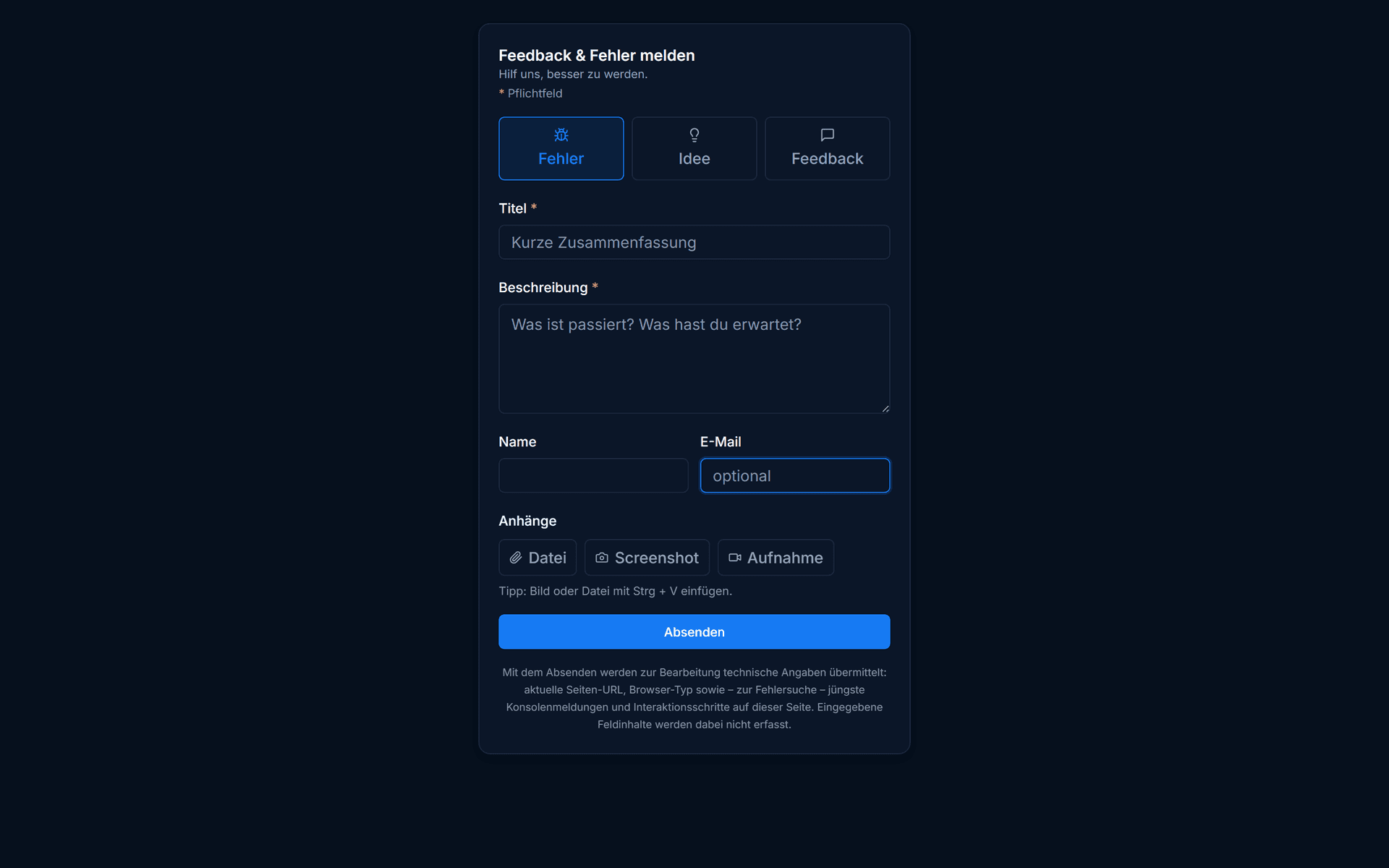
Add a feedback widget to your website: customers report bugs and requests with one click, and you handle them right on the board — without a second tool.
Three fields · up and running in 15 minutes · then the free plan continues automatically
- Servers in Germany
- GDPR-compliant
- Built in Germany
How it works
One script tag, and the widget is there.
You copy the snippet with your widget ID into the page. It loads asynchronously in the background and won't slow your website down.
- Works on any website
- Loads asynchronously, without slowing the page
- Optionally under your own (sub)domain
<script
  src="https://cockpit.issuepilot.app/widget.js"
  data-widget-id="YOUR_WIDGET_ID"
  data-position="bottom-right"
  async
></script>
Example snippet – you'll get your real widget ID in your workspace.
Configuration
You decide how it behaves.
The widget adapts to your site and your process — without you touching the code.
Allowed domains
Define which domains the widget may load on — so no one embeds it elsewhere without permission.
Position
Place the button where it fits, for example in the bottom right.
Light / Dark / Auto
Match the widget to your design or let it follow the visitor's system automatically.
Default labels & team
New reports get the right label straight away and land with the responsible team.
Reply threads
A report turns into a conversation.
Team and reporter exchange messages in a thread right on the request. Follow-up questions, progress updates and the final “done” all happen in one place — instead of back and forth over email.
- Ask follow-up questions right on the report
- The reporter sees the reply without their own account
- The history stays on the request, not in an inbox
Widget, inbox & portal
Three parts, one continuous path.
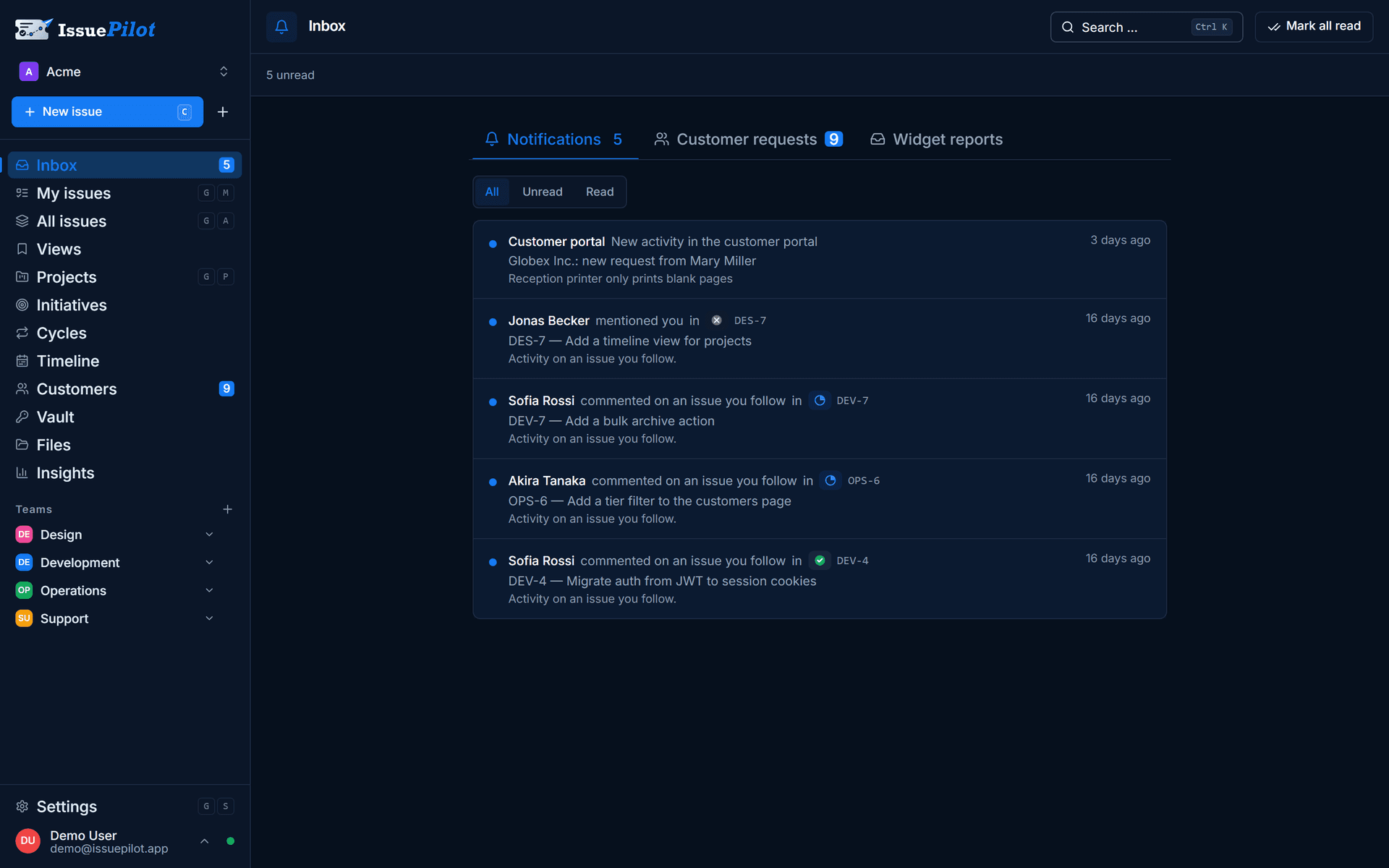
Every widget report lands in the request inbox and becomes a task in the right project. Through the customer portal, the reporter follows the status via a personal access link.
Technical details about the widget — screenshot annotation, technical data, your own domain — are on the live issue widget page. What this looks like in day-to-day agency work is shown on the for agencies page. What it costs is on the pricing page.
How it differs from pure feedback tools
Not just collect — get it done.
Pure feedback tools like Marker.io, Usersnap, BugHerd or Atarim collect reports well, but need an additional project or issue tool to actually get the work done. With IssuePilot, the board is built right in.
Collect feedback where it happens.
The customer widget is part of Pro. Start free, set up your first widget — your customers never pay a thing.
Three fields · No credit card · Cancel monthly
- Servers in Germany
- GDPR-compliant
- Built in Germany
Still got a question? Write it down