
IssuePilot vs. Jira
The simple Jira alternative for small teams
Everything you actually use from Jira — boards, sprints, releases — without the administration overhead.
Three fields · up and running in 15 minutes · then the free plan continues automatically
- Servers in Germany
- GDPR-compliant
- Built in Germany
- Servers in Germany
- GDPR-compliant
- Built in Germany
Which Jira alternative suits a small team?
Jira is built for large organisations that want to model their own processes. For a team of three to fifteen people that strength turns into the problem: before the first task there is a setup project.
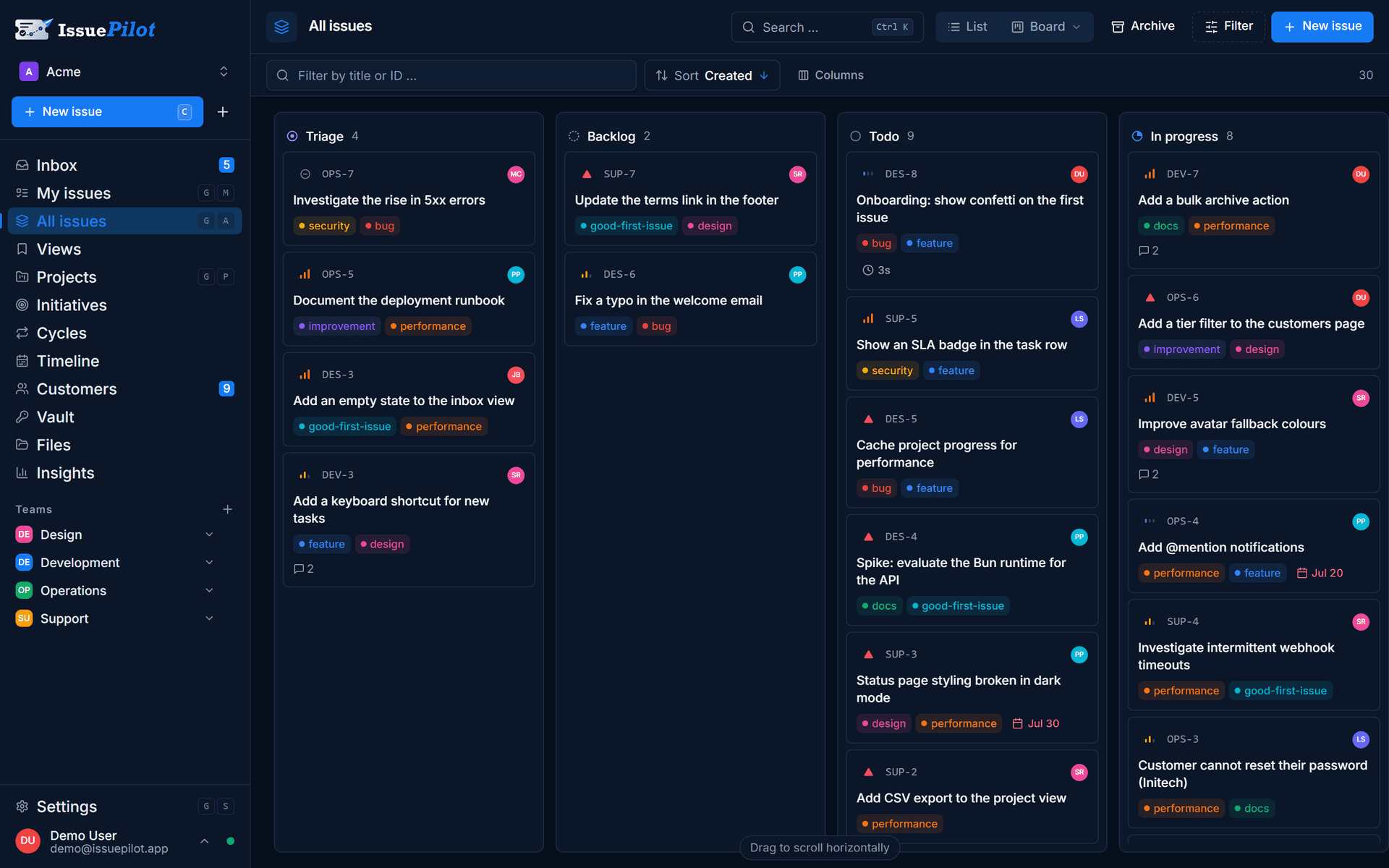
With IssuePilot that step is gone. Tasks, board, list, projects and cycles are there without modelling workflows first. On top come two things Jira does not have in this form: a channel through which your customers report themselves — via a widget on your website or their own portal — and a guided import that brings over what you already have in Jira: with a preview, a correctable mapping of statuses, people and labels, and duplicate protection.
And when you are better off staying with Jira: if you model your own workflows, automate a lot, or need SSO and SCIM. IssuePilot cannot do that, and it is not on our roadmap either.
Why switch
Jira is powerful — and that’s exactly the problem: configuring workflows, maintaining schemes, booking training, higher prices every year. IssuePilot covers the everyday work of small teams without anyone needing “Jira admin” as a job title.
Direct comparison
IssuePilot and Jira at a glance
Comparison based on typical standard configurations. Jira’s feature set and pricing change — check the current terms directly with Atlassian.
An honest take
When Jira is the better choice.
IssuePilot is built for small teams. In these cases Jira remains the more suitable tool — and switching isn't worth it.
More than ~50 users
You're a larger, growing organisation with many teams and fine-grained permissions.
The Atlassian ecosystem is a must
You need deep integration with Confluence, Bitbucket & co. as a core part of your workflow.
ITSM & SLA processes
You run service management with defined service levels and formal approvals.
SSO/SCIM requirements
Single sign-on and automated user provisioning are a compliance requirement for you.
Migration
How you make the move.
A migration doesn't have to happen all at once — most teams start with a pilot project and bring the rest across afterwards.
Import from Jira, Asana, Trello & Linear
A guided wizard imports your items with a preview. You correct the mapping for statuses, people and labels before importing, and duplicate detection prevents duplicate entries.
Or the classic way via CSV
Alternatively, bring in issues and clients via CSV import — for example from a Jira export, with each step traceable.
Personal support
For larger migrations we help you directly on request — no ticket queue.
Common questions
Questions about switching from Jira.
The easiest way is the guided import assistant: it brings in your items from Jira, Asana, Trello and Linear with a preview, you correct the mapping of statuses, people and labels before importing, and duplicate detection prevents duplicate entries. Alternatively, you can go via a CSV export for issues and clients. For larger migrations we support you personally on request.
More comparisons
IssuePilot next to other tools.
Ready to switch from Jira?
Try all Pro features for 30 days, then keep using IssuePilot for free — no credit card, up and running in about 15 minutes.
Three fields · No credit card · Cancel monthly
- Servers in Germany
- GDPR-compliant
- Built in Germany
Still got a question? Write it down